



In today’s Digital Transformation age, securing your company’s data and enhancing productivity are paramount. As cyber threats evolve, so does the need for sophisticated protection measures. Microsoft’s Enterprise Mobility + Security (EMS) steps up to this challenge by offering multi-factor authentication, conditional access, and threat intelligence, fortifying your business against unauthorised access and potential security breaches. Partnering with a Cloud Solution Provider like us gives you the advantage of expert guidance and support in setting up and configuring EMS for your organisation.
Statistics
Reduction to companies using Endpoint Manager in time spent deploying and managing new software (Forrester, 2020).
ROI for businesses that implement Microsoft EMS over three years (Microsoft, 2020).
Of Fortune 500 companies have protected their sensitive data, mitigating the risk of data breaches, with Azure Information Protection, a key component of EMS. (Microsoft, n.d.).
Features
Entra ID
As one of the UK’s leading Microsoft Solutions Partner, we provide you with a solution that simplifies sign-on for employees with one profile linking all logins. It seamlessly grants access to file, email, app and database servers. It enables single sign-on for both cloud and on-premises software and includes secure features like conditional access, multifactor authentication, and detailed reporting.
Microsoft Intune & Endpoint Manager
Intune securely connects employees’ personal devices to company data. With Intune, IT administrators can exercise control using Microsoft EMS, blocking access to specific users, devices, data, or apps. Microsoft Intune stands out by providing secure access to company data without complete device control.
Microsoft Advanced Threat Analytics
The EMS suite includes a potent security monitoring component. It collects and analyses real-time data, detecting and alerting against attacks, anomalies, and risks. Powered by machine learning, it continually improves and safeguards your systems. In case of threats, Microsoft EMS offers actionable recommendations.
Key Benefits of Enterprise Mobility & Security
Microsoft’s Enterprise Mobility + Security offers a comprehensive solution for today’s cloud-based work environments. Microsoft Cloud Services like this ensure maximum security and control for IT teams, and promotes productivity and flexibility, making it an invaluable asset for organisations.
Unified Management
EMS enables admins to control single sign-on for a variety of services in the Microsoft Cloud; this helps simplify the sign-in process and enhance productivity. IT administrators can also centrally manage access for users, devices, data, and apps.
Enhanced Data Security
Thanks to Microsoft Intune and Azure Rights Management, EMS supplies robust data protection across multiple devices; it enables you to securely link personal devices to company data, while maintaining document-level security, ensuring sensitive corporate information remains protected.
Advanced Threat Detection
EMS leverages uses cutting-edge machine learning technology to provide real-time threat detection. It continuously monitors your systems, detecting and alerting against malicious attacks and anomalous behaviour, thereby strengthening your organisation's defence against cyber threats.
Why Babble for Enterprise Mobility & Security?
Partner Support
Here at Babble, we have extensive experience in migrating users to Microsoft solutions. We provide you with ongoing guidance and support so that you can always access assistance with the platform.
Customer-Centric Approach

We combine in-depth experience from years of using the solutions and products we sell with industry insights to help customers get the greatest return on their investment.
Expertise in Enterprise Security
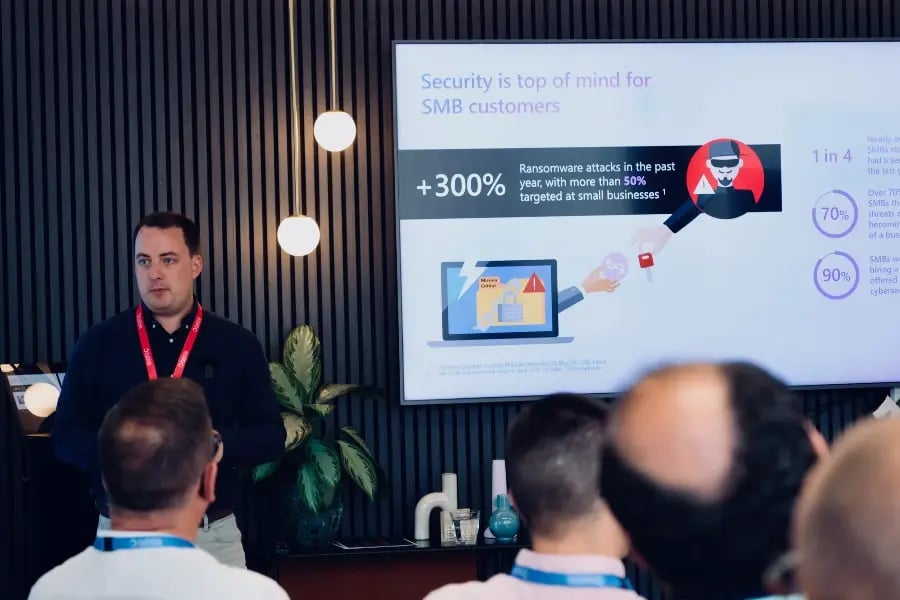
With our expertise in Enterprise Mobility + Security, we can offer expert guidance and insight into how to use the platform, so that you are getting the full advantage.

Our Most Asked Questions
Microsoft Enterprise Mobility & Security is an investment that comes with a lot of questions to find out if it’s truly a good fit. Here are some of our most frequently asked questions:
To identify the most suitable option for your organization, we suggest either starting a free trial of the E5 version or consulting with a sales specialist to learn how E3 or E5 can fulfill your requirements.
No, Microsoft does not offer any discounts for existing E3 customers who want to upgrade to E5.
Both technologies aim to prevent data loss. Azure Information Protection ensures that the data you work on is classified, labelled, and protected based on your business’s data policies. Microsoft 365 offers similar capabilities within services like Microsoft Exchange and SharePoint. Using these technologies together, you can achieve significant and combined levels of data protection.
Microsoft Intune, bundled with Enterprise Mobility + Security, allows you to manage mobile apps within Microsoft 365, enabling a seamless user experience while maintaining robust data security. Additionally, Microsoft Enterprise ID, utilized by Microsoft 365, enhances Enterprise Mobility + Security by providing self-service password reset, group membership, and advanced machine learning-based security and usage reporting.
Intune offers mobile device and application management across various platforms, including Windows, Mac OS X, Windows Phone, iOS, and Android. When coupled with Microsoft Intune Configuration Manager in a hybrid configuration, Intune can also manage Macs, Unix and Linux servers, and Windows Server machines through a centralized management console.
